Automate Everything: Essential Scripting & Automation for Small Teams
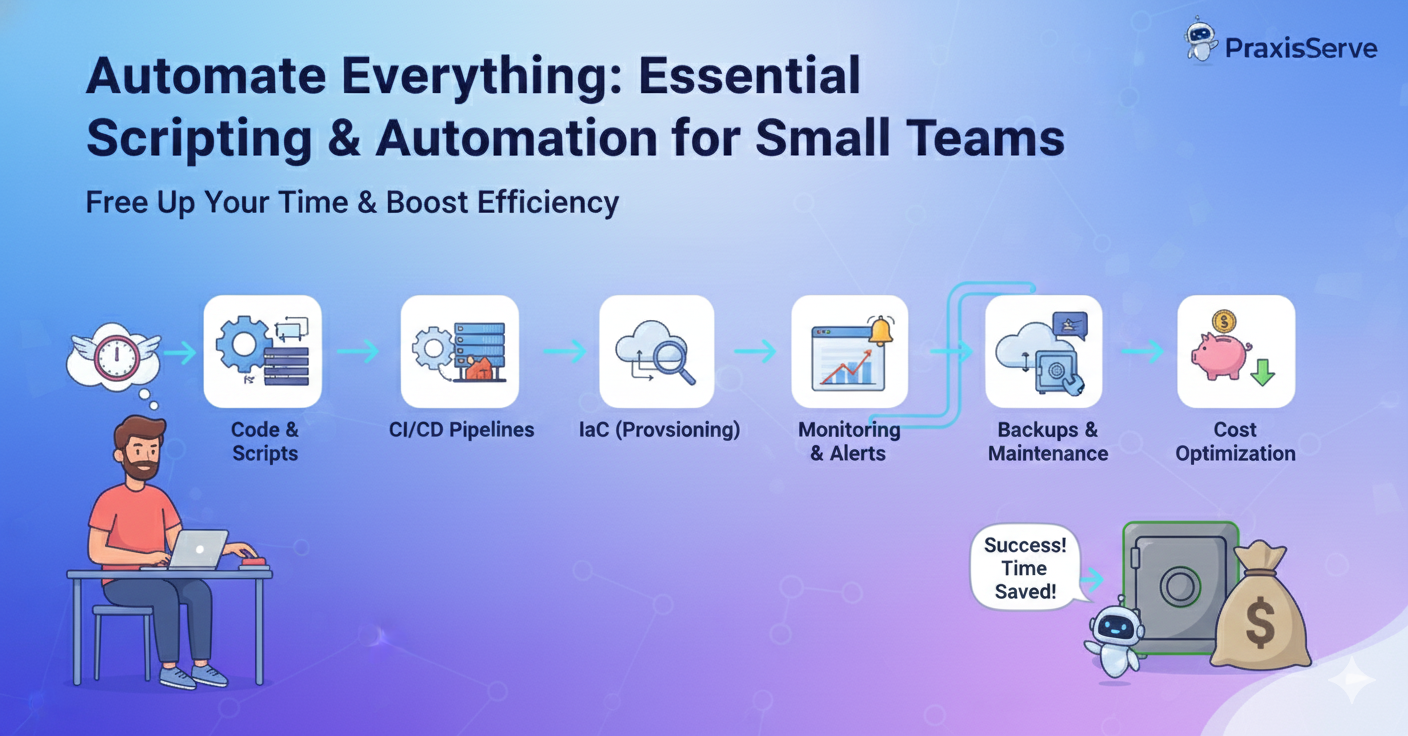
Automate Everything: Essential Scripting & Automation for Small Teams
Free Up Your Time by Automating Repetitive Tasks and Streamlining Your Workflow.
As a freelance developer or part of a small tech team, your time is your most valuable asset. Every minute spent on repetitive, manual tasks is a minute not spent coding, innovating, or engaging with clients. The power of automation and scripting lies in its ability to transform these mundane, error-prone tasks into efficient, hands-free processes.
From deployment to server maintenance, integrating automation into your workflow isn't just a best practice – it's a necessity for boosting productivity and ensuring consistency. Let's explore essential areas where scripting and automation can make a significant difference.
1. CI/CD Pipelines (Build, Test, Deploy)
This is the cornerstone of DevOps automation, as discussed in our CI/CD guide. Automating your build, test, and deployment processes:
- Eliminates Manual Errors: No more forgotten steps or incorrect commands during deployment.
- Speeds Up Releases: Deliver new features and bug fixes faster and more frequently.
- Ensures Consistency: Every deployment follows the exact same process, reducing "it works on my machine" issues.
Tools: GitHub Actions, GitLab CI/CD, CircleCI, Jenkins.
2. Infrastructure Provisioning (IaC)
Defining your infrastructure as code (IaC) allows for fully automated provisioning and management of servers, networks, and other cloud resources.
- Rapid Environment Setup: Spin up entire development, staging, or testing environments in minutes with a single command.
- Version Control: Track all changes to your infrastructure and easily revert if needed.
- Cost Efficiency: Easily tear down temporary environments when not in use.
Tools: Terraform, AWS CloudFormation, Ansible.
3. Server Maintenance & Health Checks
Automate those crucial but often overlooked server tasks (as detailed previously).
- Updates & Patching: Use cron jobs or configuration management tools to automatically apply security updates (with proper testing, of course).
- Log Rotation: Automate the archiving and purging of old logs to prevent disk space issues.
- Backup Routines: Schedule automated database and file system backups to offsite storage.
- Health Checks & Restarts: Script checks for critical services and automatically restart them if they fail.
Tools: Cron, Bash scripts, Ansible, Puppet, Chef.
4. Monitoring & Alerting Setup
While monitoring tools collect data, automating their setup and alerting can significantly streamline your operations.
- Agent Deployment: Use scripts or configuration management to automatically deploy monitoring agents (e.g., Prometheus Node Exporter, CloudWatch agent) to new servers.
- Alert Configuration: Automate the creation of alerts for critical metrics and events, integrating them with communication channels like Slack or email.
Tools: Terraform (for configuring cloud monitoring), Ansible, specific monitoring tool APIs.
5. Cloud Cost Optimization Routines
Automate tasks that reduce your cloud bill (as we covered).
- Scheduled Resource Shutdowns: Automatically turn off non-production servers and databases during nights and weekends.
- Orphaned Resource Cleanup: Script checks to identify and delete unattached volumes, old snapshots, or unused IP addresses.
Tools: Cloud provider APIs (AWS Lambda, Azure Functions), custom scripts via cron.
Ready to Automate Your Workflow? PraxisServe Can Help.
Implementing effective automation and scripting can be complex, especially when integrating different tools and platforms. PraxisServe specializes in helping freelancers and small tech teams design and implement robust automation solutions.
From setting up automated deployments to streamlining server maintenance and cloud cost optimization, we build custom scripts and workflows that free up your time and boost your operational efficiency.
Need Help with This?
Our team is ready to assist you with implementation and support.