Database Management Best Practices for Developers & Small Teams
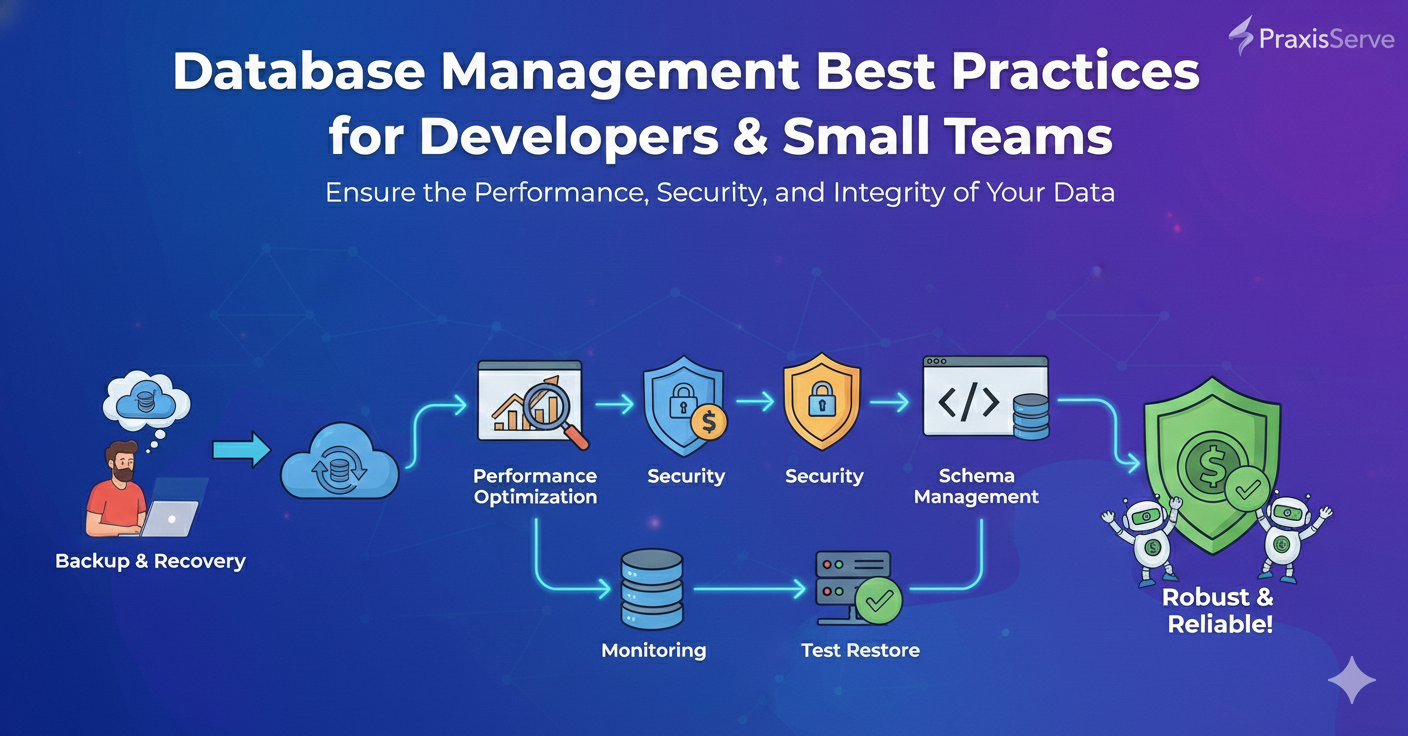
Database Management Best Practices for Developers & Small Teams
Ensure the Performance, Security, and Integrity of Your Application Data.
The database is the beating heart of almost every modern application. It stores crucial user information, application state, and business logic. For freelancers and small tech teams, effectively managing your database isn't just about making sure it runs; it's about ensuring data integrity, optimal performance, and robust security. Neglecting database best practices can lead to slow applications, data loss, or even security breaches.
Whether you're using SQL databases like PostgreSQL, MySQL, or NoSQL options like MongoDB, these core principles will help you maintain a healthy and reliable data layer.
1. Robust Backup & Recovery Strategy
This is the single most important practice. Data loss can be catastrophic.
- Automated Backups: Schedule regular, automated backups (daily, hourly, or even continuous for critical data).
- Offsite Storage: Store backups in a separate, secure location (e.g., cloud storage like S3, Azure Blob Storage) to protect against local failures.
- Test Restores: Periodically test your backup files to ensure they are valid and can be successfully restored. A backup is useless if it can't be recovered.
- Point-in-Time Recovery: For critical data, explore options for restoring to a specific moment in time (transaction logs, replication).
Why: Protects against accidental deletion, corruption, or disaster.
2. Performance Monitoring & Optimization
A slow database can cripple an otherwise fast application.
- Monitor Key Metrics: Track query response times, connection counts, disk I/O, CPU/memory usage, and cache hit ratios.
- Query Optimization: Regularly review and optimize slow queries using `EXPLAIN` (SQL) or profiling tools.
- Indexing: Ensure appropriate indexes are created on frequently queried columns to speed up data retrieval. (But don't over-index!).
- Connection Pooling: Use connection pooling from your application to manage database connections efficiently.
Why: Ensures your application remains responsive and scalable.
3. Robust Security Measures
Databases are prime targets for attackers. Prioritize security.
- Strong Passwords & User Management: Use complex passwords for database users and rotate them regularly. Grant users only the minimum necessary privileges (least privilege principle).
- Network Access Control: Restrict database access to only authorized application servers/IPs using firewalls or security groups. Never expose databases directly to the public internet.
- Data Encryption: Encrypt sensitive data at rest (on disk) and in transit (SSL/TLS for connections).
- Regular Auditing: Periodically review database logs for suspicious activity.
Why: Protects sensitive data from unauthorized access and breaches.
4. Schema Management & Version Control
As your application evolves, so does your database schema.
- Database Migrations: Use migration tools (e.g., Flyway, Liquibase, or ORM-specific migrations) to manage schema changes systematically.
- Version Control: Store your migration scripts in your application's version control system (Git) alongside your code.
- Automated Deployment: Integrate database migrations into your CI/CD pipeline for consistent and repeatable deployments.
Why: Ensures consistent database schemas across all environments and enables reliable rollbacks.
5. Regular Maintenance & Cleanup
Databases need periodic housekeeping to stay efficient.
- Disk Space Monitoring: Keep an eye on disk usage to prevent the database from running out of space.
- Index Rebuilding/Reorganizing: Periodically rebuild or reorganize indexes to improve query performance, especially for heavily updated tables.
- Vacuuming/Cleanup: For PostgreSQL, regular `VACUUM` operations are essential to reclaim space and maintain performance. Similar operations exist for other databases.
- Archiving Old Data: Consider archiving or purging old, unused data to keep table sizes manageable.
Why: Prevents performance degradation and ensures long-term stability.
Need Expert Database Management Support? PraxisServe is Here.
While these best practices are crucial, implementing and maintaining them requires specialized knowledge and continuous effort. If you're a freelancer or a small team without a dedicated DBA, ensuring your database is secure, performant, and reliable can be a significant challenge.
PraxisServe offers expert database management services, including setup, optimization, backup strategies, and ongoing maintenance for various SQL and NoSQL databases. We ensure your data is safe, your application is fast, and you can focus on building features.
Need Help with This?
Our team is ready to assist you with implementation and support.