Building Resilience: Disaster Recovery Planning for Small Tech Teams
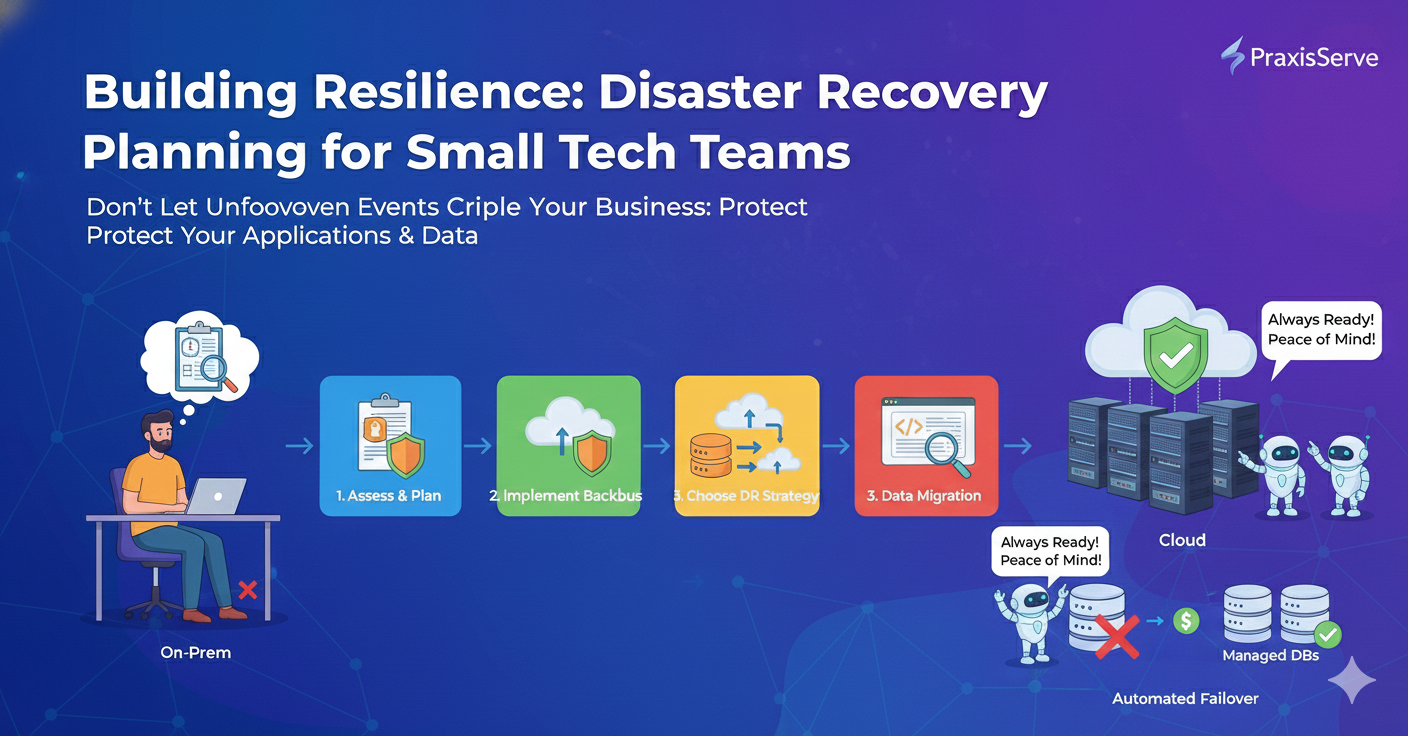
Building Resilience: Disaster Recovery Planning for Small Tech Teams
Don't Let Unforeseen Events Cripple Your Business: Protect Your Applications & Data.
In the world of technology, "if something can go wrong, it will." Hardware failures, cyberattacks, natural disasters, or even simple human error can bring your applications down and lead to significant data loss. For freelancers and small tech teams, such an event isn't just an inconvenience; it can be catastrophic to your reputation and client relationships.
This is where **Disaster Recovery (DR) Planning** comes in. A well-crafted DR plan ensures that you can quickly restore your operations and data after an adverse event, minimizing downtime and safeguarding your business continuity.
1. Understand Your Risks & Assets
The first step in DR is knowing what you need to protect and what you're protecting it from.
- Identify Critical Assets: What applications, data, and infrastructure are absolutely essential for your business to function? (e.g., primary database, main web application).
- Assess Threats: What are the most likely threats? (e.g., server failure, cyberattack, accidental data deletion, cloud region outage).
- Define RTO & RPO:
- Recovery Time Objective (RTO): How much downtime can you tolerate? (e.g., 1 hour, 4 hours, 24 hours).
- Recovery Point Objective (RPO): How much data loss can you tolerate? (e.g., 0 data loss, 15 minutes of data loss, 1 hour of data loss).
Foundation: These metrics will drive your DR strategy and investment.
2. Implement a Robust Backup Strategy
Backups are the cornerstone of any DR plan. Without them, recovery is impossible.
- Automated Backups: Schedule frequent, automated backups of all critical data (databases, application files, configurations).
- Offsite & Immutable Storage: Store backups in a separate geographical location (another cloud region, or dedicated backup storage) and consider immutable storage to protect against ransomware.
- Versioned Backups: Keep multiple versions of backups to allow for recovery from various points in time.
- Encryption: Encrypt all backups to protect sensitive data.
Key: A backup is only good if it can be successfully restored! (As mentioned in our DB guide).
3. Choose Your DR Strategy & Tools
Different RTO/RPO requirements dictate different strategies and associated costs.
- Backup & Restore (High RTO/RPO): Simplest, cheapest. Restore from backups after an outage.
- Pilot Light (Moderate RTO/RPO): Keep essential core services running in a disaster region, and spin up full environment only when needed.
- Warm Standby (Lower RTO/RPO): A scaled-down but continuously running replica of your production environment in another region.
- Multi-Region Active/Active (Lowest RTO/RPO): Full production environment running in multiple regions simultaneously. Most complex and expensive.
Tools: Cloud provider services (AWS Backup, Azure Site Recovery), Terraform (for IaC recovery), custom scripts.
4. Document & Automate Your Plan
A plan is useless if it's not documented and executable.
- Clear Documentation: Document every step of the recovery process, contact lists, roles, and responsibilities. Store it in an accessible, offsite location.
- Automate Recovery: Wherever possible, automate recovery processes using scripts and Infrastructure as Code. This reduces human error and speeds up recovery.
- Communication Plan: Define how you will communicate with clients, stakeholders, and your team during and after a disaster.
Key: Treat your DR plan as living documentation that needs regular updates.
5. Regularly Test Your Disaster Recovery Plan
The most crucial step. An untested DR plan is a bad plan.
- Simulated Failovers: Periodically run through your entire DR plan in a test environment.
- Game Days: Conduct "game days" where you intentionally simulate failures to see how your team and systems react.
- Review & Refine: After each test, review what worked and what didn't, and update your plan accordingly.
Benefit: Builds confidence, identifies weaknesses, and ensures your plan is effective when needed.
Need Expert Disaster Recovery Planning? PraxisServe Has You Covered.
Creating and maintaining an effective disaster recovery plan can be daunting, requiring specialized expertise in cloud architecture, data management, and automation. For freelancers and small teams, this is often a critical gap.
PraxisServe helps you design, implement, and test robust disaster recovery solutions tailored to your RTO/RPO needs and budget. We ensure your business is resilient against unforeseen events, so you can operate with peace of mind.
Need Help with This?
Our team is ready to assist you with implementation and support.