Kubernetes 101: A Beginner's Look at Container Orchestration
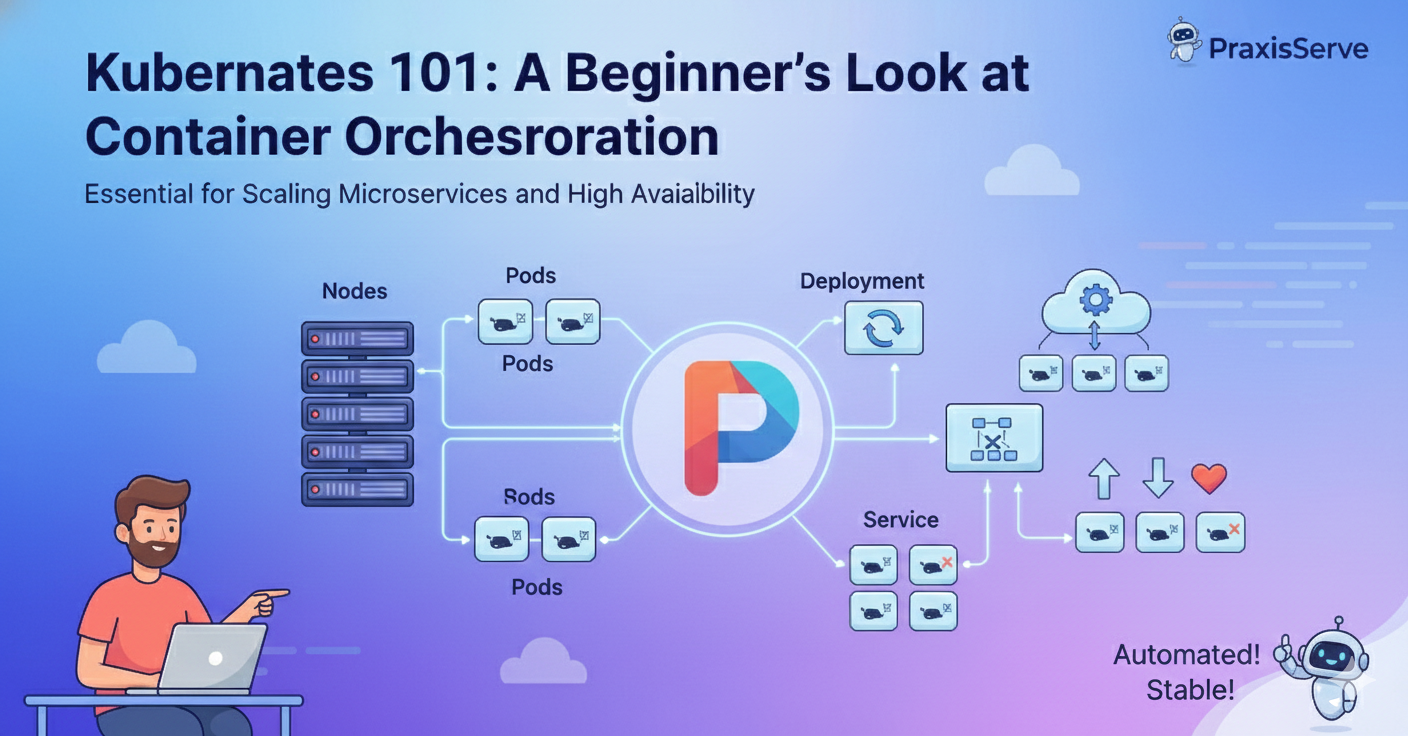
Kubernetes 101: A Beginner's Look at Container Orchestration
Essential for Scaling Microservices, Ensuring High Availability, and Modern Deployment.
In a previous post, we discussed the power of Docker containers for packaging applications. Containers solve the "it works on my machine" problem, but once you move into production—especially with multiple services, high traffic, and a need for zero downtime—you run into a new problem: **Container Orchestration**.
Container orchestration is the automated management, deployment, scaling, and networking of containers. And the king of orchestration? **Kubernetes (K8s)**. While Kubernetes can seem intimidating, understanding its core concepts is vital for any small team planning to scale or run highly reliable services.
Why Do We Need Kubernetes?
Kubernetes solves critical production problems that simple Docker runs cannot:
- Self-Healing: If a container fails or crashes, K8s automatically restarts or replaces it.
- Scaling: Easily scale your application up (more instances) or down (fewer instances) based on traffic or load, often automatically.
- Automated Rollouts & Rollbacks: Deploy new versions gradually and automatically revert if issues are detected.
- Service Discovery: Automatically manage networking and allow services to find and communicate with each other.
Simply put: K8s is a platform for automating operations, reducing manual intervention, and achieving true high availability.
Core Kubernetes Concepts
1. Nodes (The Machines)
These are the underlying virtual or physical machines (servers) that provide the CPU, RAM, and network resources. They are split into two types:
- Control Plane (Master Node): Manages the cluster state and orchestration decisions.
- Worker Nodes: Run your applications (containers).
2. Pods (The Smallest Unit)
A Pod is the smallest deployable unit in Kubernetes. It's an abstraction layer around one or more containers that need to share resources (like network and storage). If a container fails, the Pod fails, and K8s brings up a new one.
3. Deployments (Managing State)
A Deployment is how you tell Kubernetes how many replicas (copies) of your application Pods you want running. It manages updates, rolling out new versions, and ensuring the desired state is maintained.
4. Services (Networking)
A Service is a permanent network abstraction that gives you a single, stable IP address and DNS name for a group of Pods. This allows other parts of your application or external users to access your app reliably, even if the underlying Pods are constantly being replaced.
The Kubernetes Challenge
While Kubernetes is immensely powerful, its complexity can be a major roadblock for small teams. Setting up, configuring, and maintaining a production-ready K8s cluster requires specialized knowledge in networking, security, and YAML configuration.
Master Kubernetes Without the Overhead.
Do you need the benefits of Kubernetes without the steep learning curve and constant management overhead? PraxisServe specializes in deploying, managing, and maintaining container orchestration systems for growing tech teams.
We handle the complex cluster management, networking, and scaling, ensuring your applications run reliably while you focus on developing features. Let us be your dedicated Kubernetes operations team.
Need Help with This?
Our team is ready to assist you with implementation and support.